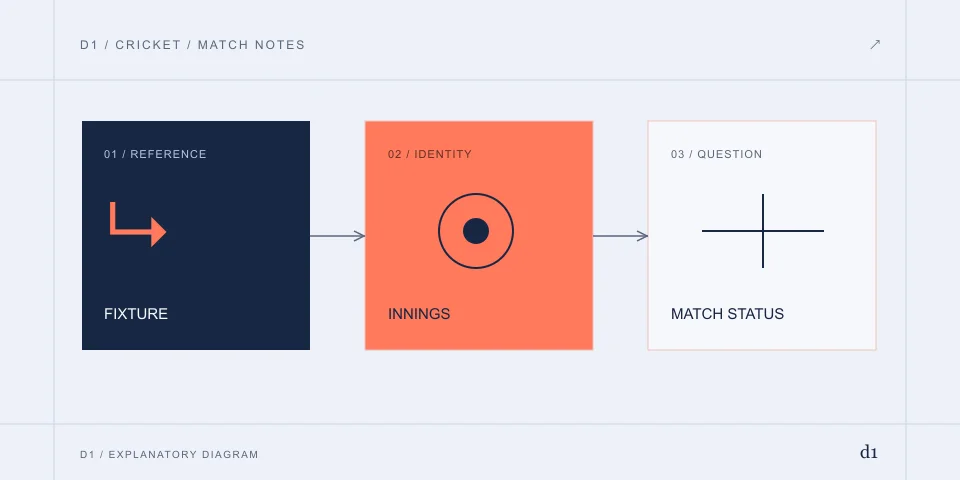
Use the web-to-store chain
The publisher’s website is the starting point for identifying its Android and Apple destinations. Compare the app title and seller on the destination, then keep the stable item identifier. A logo copied onto an APK archive is not enough.
The reference source observations are dated 2 November 2026. D1 has not installed the app or measured its runtime permissions.
For the product and publisher behind these items, read Cricbuzz
An Android update must match the installed product
Keep the existing version, package and original distribution channel before changing an installation. A refused update can involve compatibility, free space or the relation between the existing and incoming package. The message matters more than the general phrase “not downloading”.
A package from another source needs its own publisher and signing evidence. Do not assume that an older filename restores current account or media features.
iPhone and iPad depend on the selected storefront
Inspect the Apple item for the device’s supported system and regional availability. An item visible on the public web can still have different acquisition conditions on a particular handset. An Android requirement cannot be reused as an iOS diagnosis.
A browser shortcut is another format. It does not inherit background-notification behaviour simply because it opens the same site.
Installed successfully, but no match alerts
First verify that the app opens and the intended fixture is selected. Then inspect notification permission, the chosen match alerts and device restrictions on background delivery. Record whether only one match is affected or all notifications are absent.
If the alert arrives late, compare its event with the live-score commentary. A message about a previous ball is not necessarily a new score error.
PC, APK mirrors and old releases need independent evidence
A functioning desktop website does not establish a Windows installer. An archived mobile build may retain old labels without the corresponding current service. Keep the platform in a support question so a mobile-only instruction is not applied to a computer.
Installer size is not a measure of per-match mobile-data consumption. Scores, images and video have different workloads.
Do not use an app reinstall as a billing receipt
Before removing software, retain any Plus receipt, account identifier and support reference. An uninstall does not demonstrate cancellation or erase a remote account. Billing questions should identify the actual merchant and product.
READ THE SOURCE / CHECK THE DATE
Documents & references
Dates below belong to the historical references. The writing date does not represent a new account or file test.
- Cricbuzz — website, match categories and publisher-linked apps2026-11-02 · www.cricbuzz.com
- Cricbuzz — mobile-app and Indian-language distribution references2026-11-02 · m.cricbuzz.com
- Google Play India — Cricbuzz main Android app2026-11-02 · play.google.com
- Apple India — publisher, version and streaming qualification2026-11-02 · itunes.apple.com
- App Store India — Cricbuzz Live Cricket Scores2026-11-02 · apps.apple.com
- Google Play India — older language package, returned 4042026-11-02 · play.google.com
- Cricbuzz — Privacy Notice, dated 1 April 20252026-11-02 · www.cricbuzz.com
More on Cricbuzz
D1 is an independent information publisher. Product providers handle their own accounts, files and transactions. How we write →